How to create a new user account
Description:
If you want to create a new user account in the Gonini Seller Portal, you can easily do that in the Seller Portal of Gonini. You might want to create different user accounts for your team members.
Instructions:
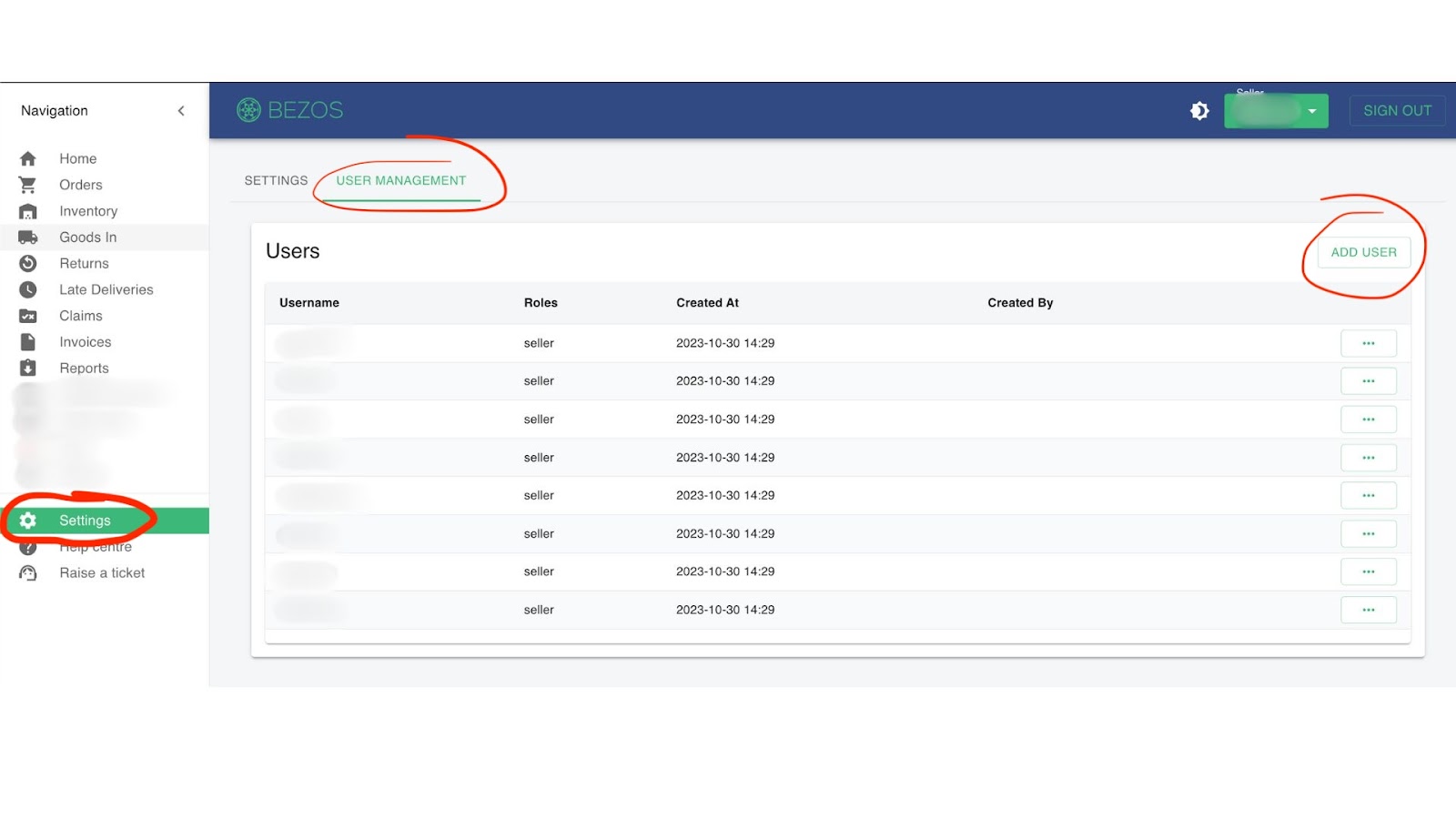
1. Go to Settings>User Management>ADD USER
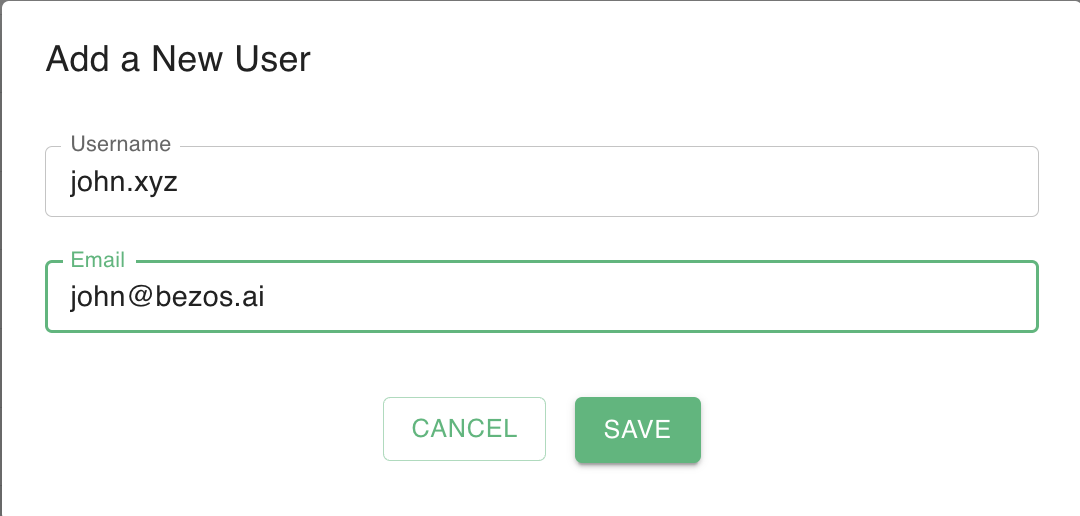
2. Enter username and email address
For username, use your email address